



☣️ Discussion and Danger Configuration Sharing on JB2A Discord server
☣️ Wiki and How to Use
☣️ Detailed Examples
☣️ Tutorials
Add life to your scenes! With Danger Zone, GMs can invoke highly customizable localized effects across any region or scene, including:
- A storm where the danger of being struck by lightning is a deadly possibility.
- A crumbling building where the collapsing ceiling can injure or trap occupants.
- A twisted field of magic with portals that blink in and out of existance.
- A blessed glade offering healing to those who walk through.

Here, a scene's zone is triggered at the start of the combat turn, causing the screen to shake and rubble to fall.
- The ability to create dangers for use within zones.
- The ability to add zones to a scene and then associate them to a region, a danger and a trigger condition.
- The ability to activate and trigger zones through game events or with on-screen buttons.
- The ability to sequence zone triggers so that one zone event can trigger another.
- The ability to target tokens as part of a zone trigger so that the danger's effects interact with the targeted tokens, doing things like adding active effects, moving tokens, or add items to the token.
- An API for accessing Danger Zone exposed functionality.
Fnctionality can be expanded through other Foundry modules - see the Module Integration section below.
- !!!Does not include any video, image or audio components.!!!
- Gridless scenes not supported The module currently does not extend to include gridless scenes.
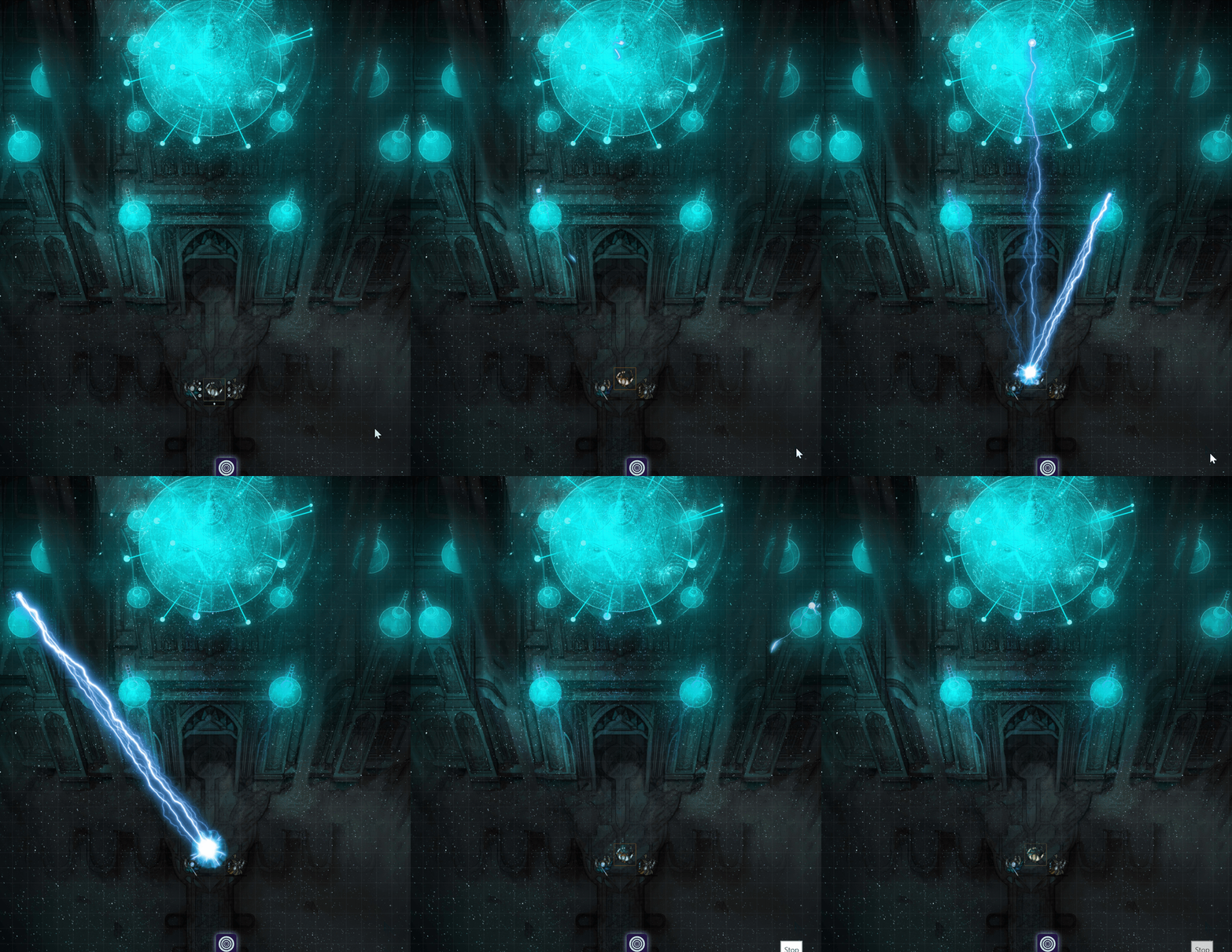
Here, a zone is triggered by token movement using the zone aura trigger.
Whether it be a lava bubble that bursts to the surface or a vent of poisonous gas, a danger defines the effect that executes within a zone. With Danger Zone, you have control over a vast array of configuration combinations for your dangers, including displaying effects, creating lights and walls, spawning tokens, executing macros, playing sounds and moving tokens.

Access the Dangers button from the Scenes right navigation area. See Dangers for more info.
Like a wide lake of lava, a zone is the boundary within which dangers are generated. Each zone exists within a scene and is associated to a danger and a trigger condition. Zones may also be copied from one scene to another.

Access zones by clicking the Danger Zone scene controls configure button. See "Danger Zone Scene Controls" below and Zones for more info.
The trigger defines the conditions under which lava bubble (danger) erupts from the lava field (zone). A trigger can be invoked either manually or as part of a defined event.
See Triggers for more info.
A Danger Zone button is added to the scene controls. Select this to access Danger Zone features for the scene, including adding, editing and triggering zones.

Selecting the Danger Zone scene control button will launch the Zone Executor and present other scene actions.
Trigger Zones Tab: Each button is a zone in that scene and displays the icon for the danger held within. The buttons function as follows:
- Manually triggered zones
- Zones that are active are listed individually here except for those which have the 'Randomize' enabled.
- All active randomized zones are grouped and only a single random button (using the Danger Zone radiation logo) is displayed for all of them.
- Inactive zones are not displayed.
- Selecting a button triggers ths zone.
- Automatically triggered zones (e.g. combat turn start trigger)
- Active zones are displayed with a blue highlight effect. Inactive are displayed without the highlight effect.
- Selecting a button toggles it from active to inactive or vice versa.
Executor Tab: here all zones are availble, including world zones and all dangers. Use this tab for more control over zone targeting, triggering, and to selectively trigger parts of an overall danger.
On Hover Hovering over any button, aside from the manual trigger grouping, will highlight it's area within the scene grid.
Launches the scene's zone list form, where zones can be added to scene, editied, deleted, or copied from another scene.
Deletes all tiles, lights, regions, and walls that were created on the scene by a danger.
Selecting this will clear all lasting effects (tiles) on the scene created by Danger Zone.
Selecting this will clear all lighting on the scene created by Danger Zone.
Selecting this will clear all regions on the scene created by Danger Zone.
Selecting this will clear all sounds on the scene created by Danger Zone.
Selecting this will clear all walls on the scene created by Danger Zone.
In addition to managing dangers through the Danger Zone Configuration section in Foundry Module Configurations, you can also add them using the button found in the header of the scenes sidebar. This button can be disabled as an option within the Danger Zone Configurations.

Trigger zones and access other Danger Zone features directly from the API See API for more info.

Installing other (free) Foundry VTT modules will increase the available danger possibilities.
Danger Zone integrates with a series of other Foundary modules in order to provide enhanced effects and token targetting. See the Module Integration page for details on which modules extend Danger Zone base functionality if installed.
See the Future Enhancements board for a list of upcoming enhancements to this module.
